%20-%20Copy.png?width=350&height=98&name=Logo%20(1)%20-%20Copy.png)

Lead Generation
Performance Campaign
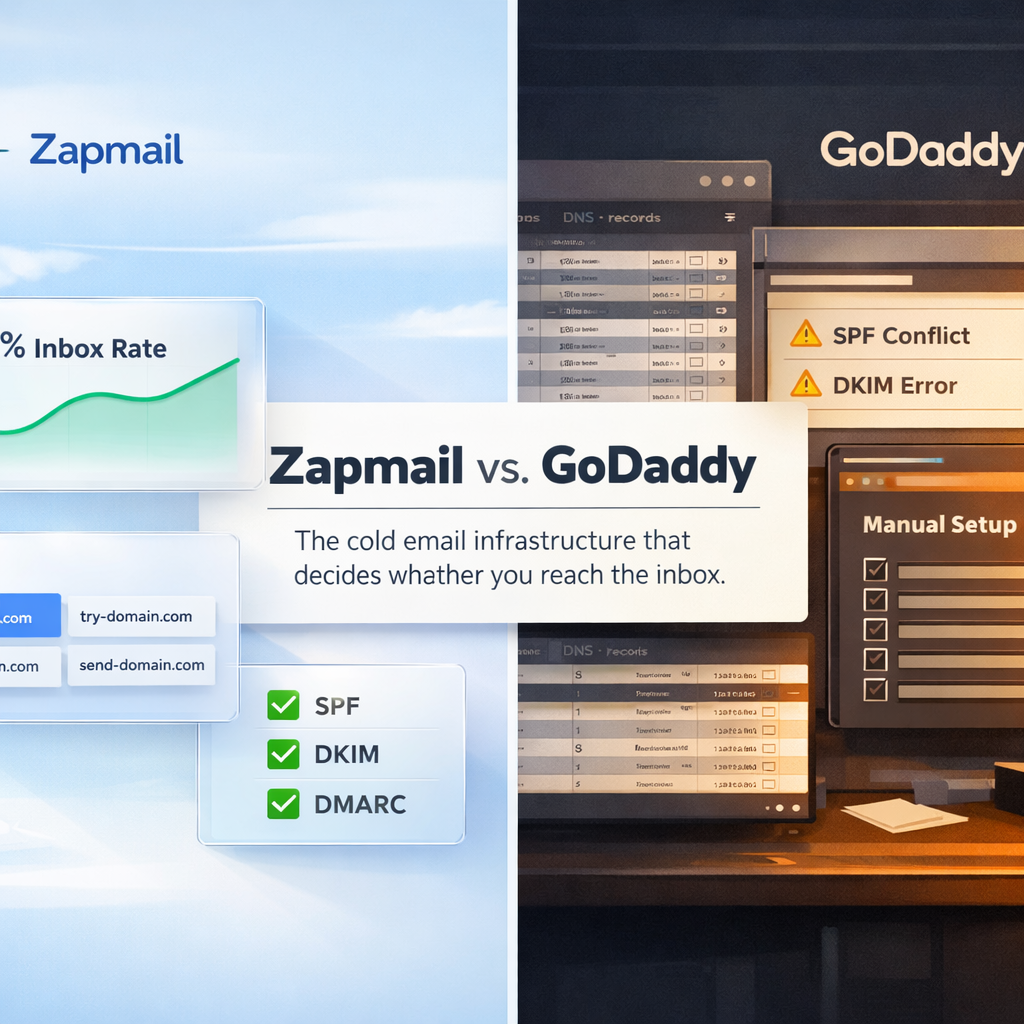

I've spent years building outbound engines for B2B companies, and if there's one thing I've learned, it's this. Most cold email campaigns don't fail because of bad copy. They fail because the infrastructure underneath them was never built to send cold email in the first place.
In this blog, I want to walk you through how email infrastructure actually works for cold outreach, what you really need to set up before you send your first campaign, and then break down a comparison I get asked about constantly: Zapmail vs. GoDaddy. By the end, you'll know exactly why this choice matters and what trade-off you're actually making.
When you send a cold email, it's not just travelling from your outbox to your prospect's inbox. It's being judged.
Mailbox providers like Google and Microsoft are running every single email you send through a series of checks before deciding whether it deserves the inbox, the promotions tab, the spam folder, or an outright block. They're looking at:
Your "sender reputation" is the cumulative score that comes out of all this. High reputation means your emails reach the inbox. Low reputation means you're invisible, even if your subject line is perfect and your offer is gold.
Here's the part most people miss. Cold email is fundamentally different from regular business email. When you email a colleague, the recipient already trusts you. When you email a cold prospect, you have zero trust, zero history, and zero engagement. The infrastructure has to do the heavy lifting.
Before a single email goes out, here's the stack I always make sure is in place.
1. A separate sending domain. Never send cold email from your main brand domain. If something goes wrong, and even with everything done right you can still get flagged, you don't want your business-critical email (invoices, customer support, internal comms) getting hit. I use lookalike domains like getcompany.com or trycompany.com instead of company.com.
2. Proper DNS authentication. Three records matter here, and getting them wrong is the single most common reason campaigns burn out fast.
3. Mailboxes on Google Workspace or Microsoft 365. These are the two ecosystems mailbox providers trust most. Sending from anywhere else dramatically reduces your inbox placement.
4. A warmup period. New mailboxes have zero reputation. Sending cold volume from a brand-new inbox is the fastest way to get throttled or blacklisted. Warmup means gradually building engagement history (opens, replies, "important" marks) over weeks before you scale up.
5. A custom tracking domain. When your sending tool tracks opens and clicks, those tracked links route through a tracking domain. If you use a shared one, your reputation is tied to every other sender on it. Bad neighbours, bad outcomes.
6. List verification. Bounce rates above 5% will tank your reputation almost immediately. Every list needs to be verified before it's loaded into a sequence.
That's the baseline. Now let's talk about how you actually get this set up, because this is where Zapmail and GoDaddy are doing very different things.
Here's the simplest way I can frame the difference.
Zapmail sells you a pre-built, high-reputation freeway. GoDaddy sells you the land and some asphalt, and you have to engineer the entire road system yourself.
Both can technically get you to the same destination. But one drops you into a working sending environment in about 10 minutes. The other gives you the raw materials and expects you to know what you're doing.
Let me break down what that actually means in practice.
Zapmail is a deliverability-first infrastructure product. When you sign up, you're buying:
GoDaddy is a domain registrar with basic Microsoft 365 email tacked on. When you sign up, you're buying:
That's the core distinction. Zapmail is purpose-built for outbound. GoDaddy is a general-purpose domain and email provider that happens to be usable for cold email if you know what you're doing, and have the patience to lock everything down yourself.
This is the part that decides whether your campaigns work or quietly fail.
How Zapmail protects sender reputation:
How GoDaddy can hurt reputation if you're not careful:
Zapmail. Mailboxes come pre-warmed with 12+ weeks of engagement history. You skip the warmup window entirely. Setup time per fully usable mailbox is around 7 to 10 minutes, including DNS and tool connections.
GoDaddy. You buy the domain and Microsoft account, then manually configure DNS, create inboxes, and run a warmup program. Reviews and setup guides typically cite 30 to 60 minutes per mailbox just for setup, plus a 2 to 4 week warmup before you can send safely at volume.
The way I think about it: Zapmail trades money for time and lower risk. GoDaddy trades your time, and a chunk of your reputation buffer, for a lower recurring cost.
Zapmail gives you admin access to the underlying Workspace or tenant. You can see and manage the environment. You're not sending from opaque, reseller-only inboxes. The architecture is built to scale from 10 to 10,000 mailboxes without mixing reputations. Each domain and workspace stays isolated. Integrations with sending tools are via OAuth (one-click), not fragile SMTP/IMAP credentials that break and lock accounts.
GoDaddy works fine for a handful of inboxes. At scale, you're juggling per-domain DNS, mixed providers, SPF merging, and custom tracking domains for each sending platform you use. Many agencies end up with shared Office 365 environments or resold accounts, which tangles reputation and makes troubleshooting genuinely painful.
|
Dimension |
Zapmail |
GoDaddy for email |
|
Primary value |
Deliverability-optimised cold email infrastructure |
Domains + generic Microsoft email |
|
Setup time per inbox |
~7 to 10 minutes, automated |
30 to 60 minutes + warmup |
|
Warmup |
Pre-warmed (12+ weeks history) |
Manual or external tool (2 to 4 weeks) |
|
DNS & authentication |
Automated SPF, DKIM, DMARC on every domain |
Manual setup, easy to misconfigure |
|
Reputation isolation |
One domain per workspace, isolated lineage |
Shared ecosystem, often mixed services |
|
Scale |
Designed for 10 to 10,000 cold inboxes |
Fine for a few inboxes, complex at scale |
|
Typical cost |
Higher per inbox, but includes infra + warmup |
Lower per inbox, infra and warmup extra |
Instead of generic pros and cons, here's the honest read on where each one actually earns its keep.
If your business depends on outbound, Zapmail removes almost every category of risk that quietly kills cold email campaigns. You stop worrying about whether your SPF record is merged correctly, whether your warmup is enough, whether the shared IP you're on just got flagged by another sender. The infrastructure is built so you can focus on the campaign, not the plumbing. This is especially valuable when you're scaling beyond a handful of inboxes, because the manual overhead of running 20 or 50 GoDaddy domains correctly is genuinely brutal.
You pay more per mailbox, and you're tied into a specific provider for your sending infrastructure. If you only need one or two inboxes for very light sending, it's overkill. The price stops making sense when the volume doesn't justify it.
If you're a solo founder sending 10 personalised emails a day from a single inbox, or you mostly need domains for transactional and regular business email with the occasional small campaign, GoDaddy is fine. It's cheap, it's familiar, and at that volume the deliverability risks are manageable if you set things up carefully.
The defaults are not built for cold email. The manual setup creates real risk of misconfiguration. There's no warmup, no reputation isolation, and no easy path to scale. The moment you try to push real volume, the cracks show up fast. And if you mix cold and transactional email on the same domain, you're putting your core business communications at risk every time you press send on a campaign.
The pattern I see most often: founders start on GoDaddy because it's cheap, spend weeks debugging SPF conflicts and DKIM errors, watch their first domain get burned, then move to Zapmail and cut setup down to a few clicks while stabilising deliverability. The lesson is that paying for infrastructure that's purpose-built tends to be cheaper than paying for the mistakes you make without it.
If you're on Zapmail, don't waste the infrastructure advantage:
If you're on GoDaddy, here's how to keep it from burning your domain:
Cold email infrastructure is one of those areas where the cost of doing it badly is much higher than the cost of doing it well. A single burned domain can cost you weeks of pipeline. A misconfigured SPF record can quietly kill a campaign before you realise it. Reputation, once damaged, is slow and expensive to rebuild.
Zapmail exists because cold email infrastructure deserves to be a solved problem. GoDaddy exists because domains and basic email are a commodity. Both are doing what they were built for. The question is which one matches what you're trying to do.
Honestly? Most founders I talk to don't want to become email infrastructure experts. They want qualified meetings on their calendar.
If you've read this far and you're thinking "I don't want to manage any of this. Not domains, not DNS, not warmup, not deliverability monitoring, not sequencing, not copy, not replies", that's exactly what we do at Ari Digital. We build and run the entire outbound engine for you. Signal-based targeting, multichannel sequencing, deliverability infrastructure, and qualified meetings delivered straight to your calendar.
Book a call here: [calendar link]
We'll show you exactly what we'd build for your ICP, what the offer would look like, and what the first 90 days would deliver. No infrastructure setup on your end. Just a working pipeline.